Creating a keepout (keep-out) zone with pcbnew's Python API
Create a keep out zone by script: a rule area where no track, via or copper fill can go — around a connector or an antenna — with pcbnew or the IPC API.
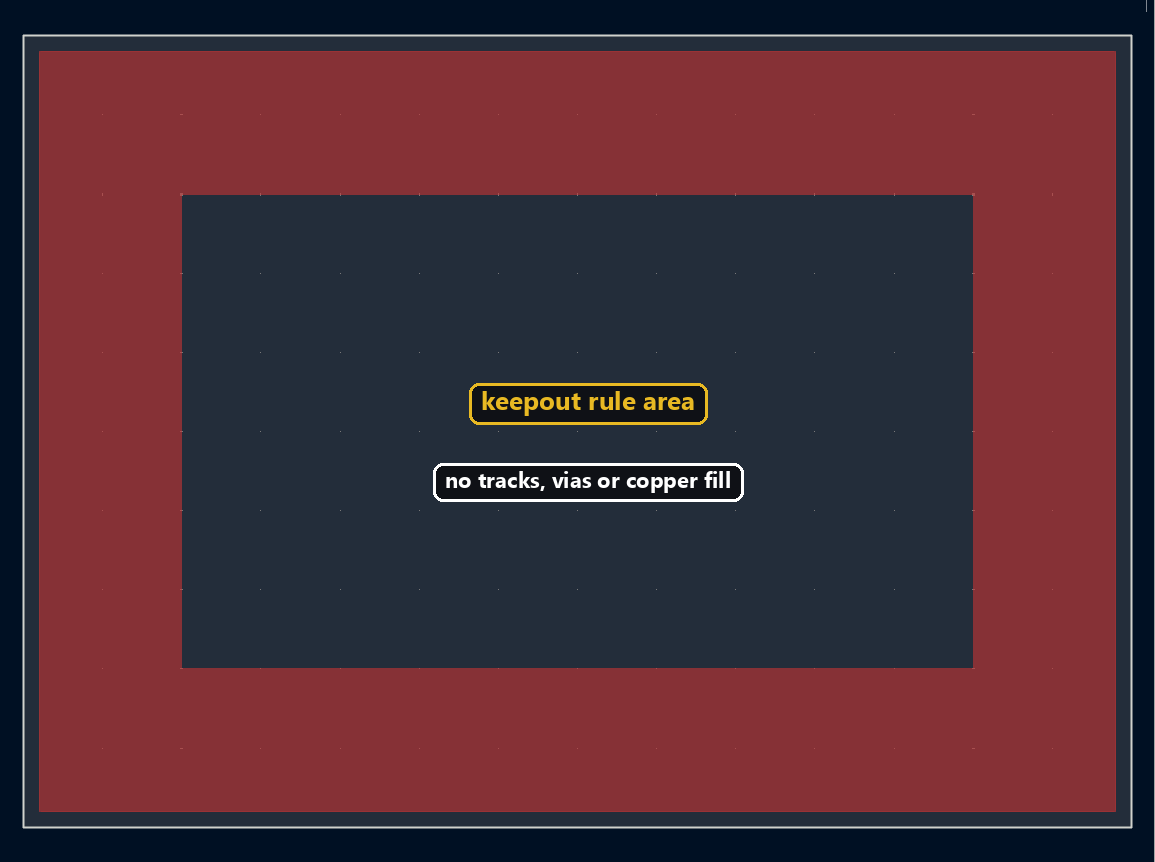
A keepout zone stops tracks, vias, and copper fill from encroaching on a specific region — typically around a mechanical connector, an antenna, or a board cutout. It’s built just like a regular copper zone, with a few extra prohibition flags.
Creating a rule-area zone
SetIsRuleArea(True) turns the zone into a rule area instead of a filled copper zone, then each flag enables a specific restriction:
import pcbnew

board = pcbnew.GetBoard()
from pcbnew import ZONE, F_Cu

zone = ZONE(board)
zone.SetIsRuleArea(True)
zone.SetLayer(F_Cu)
zone.SetDoNotAllowTracks(True)
zone.SetDoNotAllowVias(True)
zone.SetDoNotAllowZoneFills(True)
board.Add(zone)
⚠️ There is no SetDoNotAllowCopperPour: SetDoNotAllowZoneFills is what blocks copper fill.
With the IPC API, you instantiate a blank Zone object, give it the ZT_RULE_AREA type, then declare the same restrictions. These flags don’t have a dedicated property in the Python client yet — reach them through .proto, which gives direct access to the underlying protobuf message:
from kipy import KiCad
from kipy.board_types import Zone, ZoneType

kicad = KiCad()
board = kicad.get_board()
zone = Zone()
zone.type = ZoneType.ZT_RULE_AREA
zone.proto.rule_area_settings.keepout_tracks = True
zone.proto.rule_area_settings.keepout_vias = True
zone.proto.rule_area_settings.keepout_copper = True
⚠️ Just like thermal relief, these flags only exist through .proto — there’s no direct zone.keepout_tracks shortcut in the current Python client, and assigning one raises no error while doing nothing at all.
Defining the outline
The outline is built exactly like a regular copper zone:
from pcbnew import SHAPE_POLY_SET, FromMM

outline = SHAPE_POLY_SET()
outline.NewOutline()
for x, y in [(0, 0), (50, 0), (50, 30), (0, 30)]:
    outline.Append(FromMM(x), FromMM(y))
zone.SetOutline(outline)
Same logic here as for the standard copper zone: a PolyLine of nodes wrapped in a PolygonWithHoles. This is also the point, once every property is set, where the zone gets created on the board:
from kipy.geometry import PolyLine, PolyLineNode
from kipy.common_types import PolygonWithHoles
from kipy.util.units import from_mm

outline = PolyLine()
for x, y in [(0, 0), (50, 0), (50, 30), (0, 30), (0, 0)]:  # last point closes the loop
    outline.append(PolyLineNode.from_xy(from_mm(x), from_mm(y)))

polygon = PolygonWithHoles()
polygon.outline = outline

zone.outline = polygon
zone.layers = [board.get_layer_by_name("F.Cu")]

board.create_items(zone)
Try it below: adjust width and height to see the keepout zone change on the board.
Going further
The same mechanism protects a mechanical mounting area, keeps an antenna clear of any ground plane, or blocks routing under a connector through several rule areas stacked across the relevant layers.