Generating a copper or silkscreen QR code on a PCB with pcbnew
Engrave a QR code in copper or silkscreen on a PCB with a Python script: build the matrix, then one square per module, with pcbnew or the IPC API.
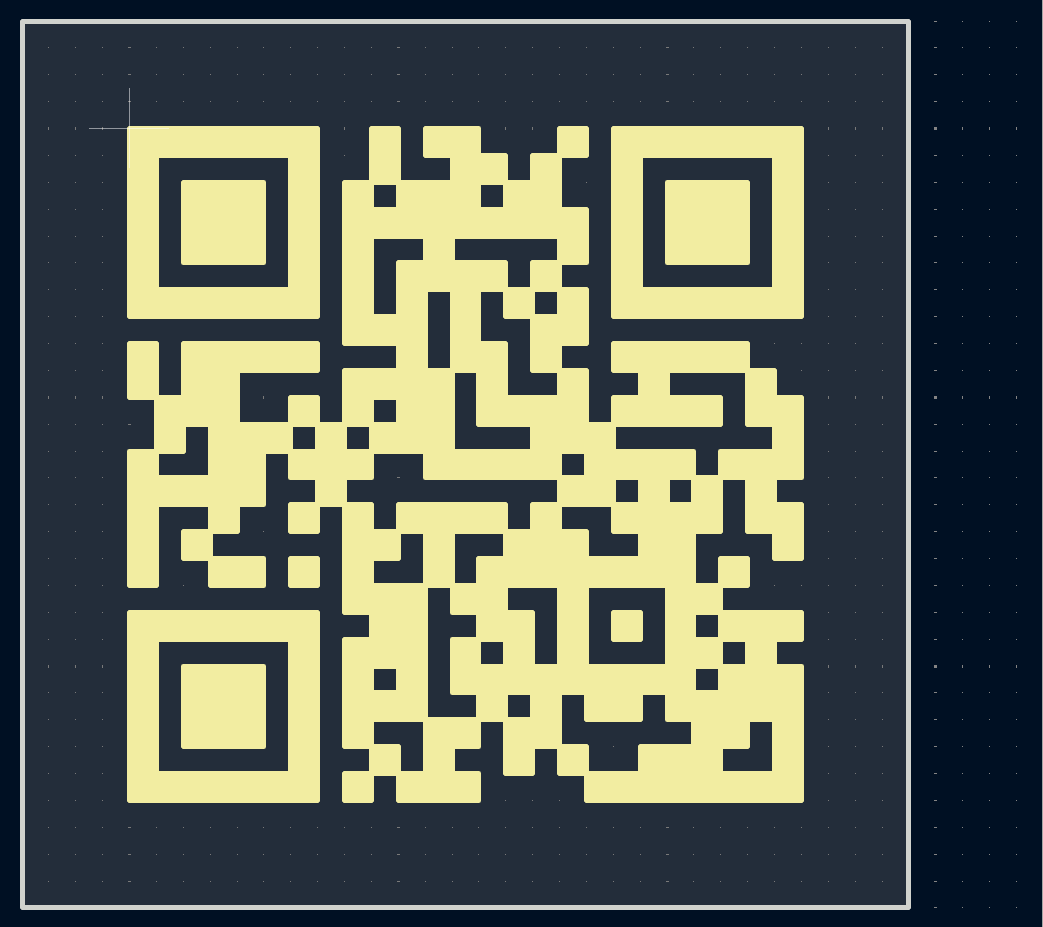
A QR code on a PCB — pointing to documentation, a serial number, or just for style — isn’t complicated once you have the code’s matrix: you just reproduce each dark module as a shape on the board. This project combines QR encoding (a standard Python library, independent of KiCad) with the double loop already seen in the footprint grid tutorial.
Encoding the text into a QR code
This step is the same regardless of which KiCad API comes next: the qrcode library builds a boolean matrix, independently of pcbnew.
import qrcode

qr = qrcode.QRCode(box_size=1, border=0)
qr.add_data("https://scriptedpcb.com")
qr.make()
matrix = qr.get_matrix()  # grid of booleans: True = dark module
Drawing each module on the PCB
Loop over the matrix and add a filled rectangle for each dark module:
import pcbnew

board = pcbnew.GetBoard()
from pcbnew import PCB_SHAPE, SHAPE_T_RECT, VECTOR2I, FromMM, F_SilkS

module_mm = 0.5
for row, cols in enumerate(matrix):
    for col, dark in enumerate(cols):
        if not dark:
            continue
        shape = PCB_SHAPE(board)
        shape.SetShape(SHAPE_T_RECT)
        x0, y0 = FromMM(col * module_mm), FromMM(row * module_mm)
        shape.SetStart(VECTOR2I(x0, y0))
        shape.SetEnd(VECTOR2I(x0 + FromMM(module_mm), y0 + FromMM(module_mm)))
        shape.SetFilled(True)
        shape.SetLayer(F_SilkS)
        board.Add(shape)
Same loop, with a brand-new BoardRectangle object per module — don’t skip .attributes.fill.filled, or the rectangle stays just an outline:
from kipy import KiCad
from kipy.board_types import BoardRectangle
from kipy.geometry import Vector2

board = KiCad().get_board()
silkscreen = board.get_layer_by_name("F.SilkS")

module_mm = 0.5
shapes = []
for row, cols in enumerate(matrix):
    for col, dark in enumerate(cols):
        if not dark:
            continue
        shape = BoardRectangle()
        shape.layer = silkscreen
        shape.top_left = Vector2.from_xy_mm(col * module_mm, row * module_mm)
        shape.bottom_right = Vector2.from_xy_mm((col + 1) * module_mm, (row + 1) * module_mm)
        shape.attributes.fill.filled = True
        shapes.append(shape)

board.create_items(shapes)
Try it below: adjust the module size and margin to see the total board space the code needs.
Going further
Engraving the QR code on copper (F_Cu/F.Cu) instead of silkscreen makes it a wear- and light-resistant identifier. Always keep a quiet zone of at least 2 blank modules all around the code so it stays scannable — a QR scanner needs that empty margin to lock onto the corner finder patterns.