Creating a multi-layer copper zone with pcbnew's Python API
Apply the same copper zone to several layers at once with an LSET, instead of duplicating the zone layer by layer — with pcbnew or KiCad's IPC API.
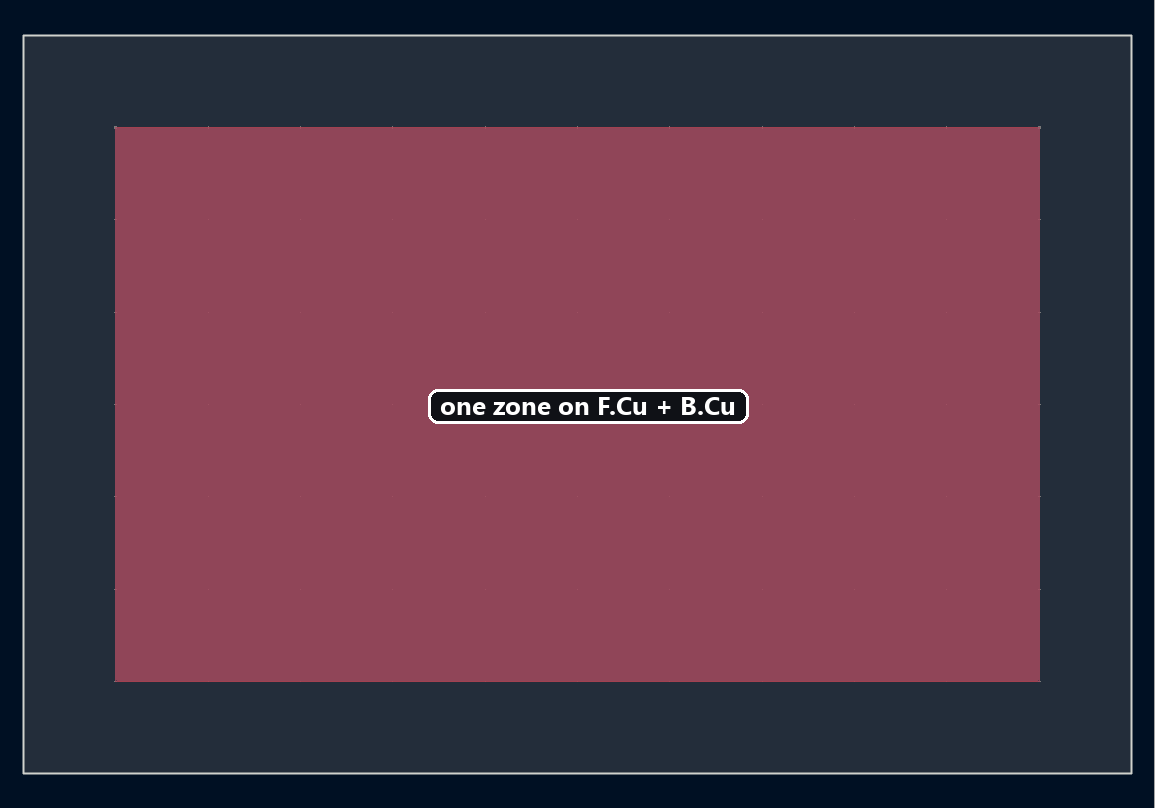
The copper zone tutorial creates a zone on a single layer via SetLayer. For an identical ground plane on both the top and bottom of the board, SetLayerSet applies the same zone to a set of layers as one object, instead of duplicating one per layer.
Applying the zone to several layers
LSET (Layer Set) represents a set of layers; assign it to the zone with SetLayerSet:
from pcbnew import LSET, F_Cu, B_Cu

layers = LSET()
layers.AddLayer(F_Cu)
layers.AddLayer(B_Cu)
zone.SetLayerSet(layers)
Same idea: zone.layers directly accepts a list of layers (resolved by name via get_layer_by_name), rather than a single layer:
from kipy import KiCad

board = KiCad().get_board()
zone.layers = [board.get_layer_by_name("F.Cu"), board.get_layer_by_name("B.Cu")]
board.update_items(zone)
Going further
A multi-layer zone shares the same outline across every selected layer — handy for a symmetric ground plane, but if the layers need different outlines (say, to dodge different components on each side), you’re back to separate zones, one per layer.